Introducing The Quantum Infrastructure Cloud Learn more

Solutions · HPC & national centres

Quantum workloads that fit the batch queue.

QCOS runs from the scheduler script your users already write, and seals an evidence record for every job that stays with the centre. Built for research centres and national labs that have to reproduce what they report.

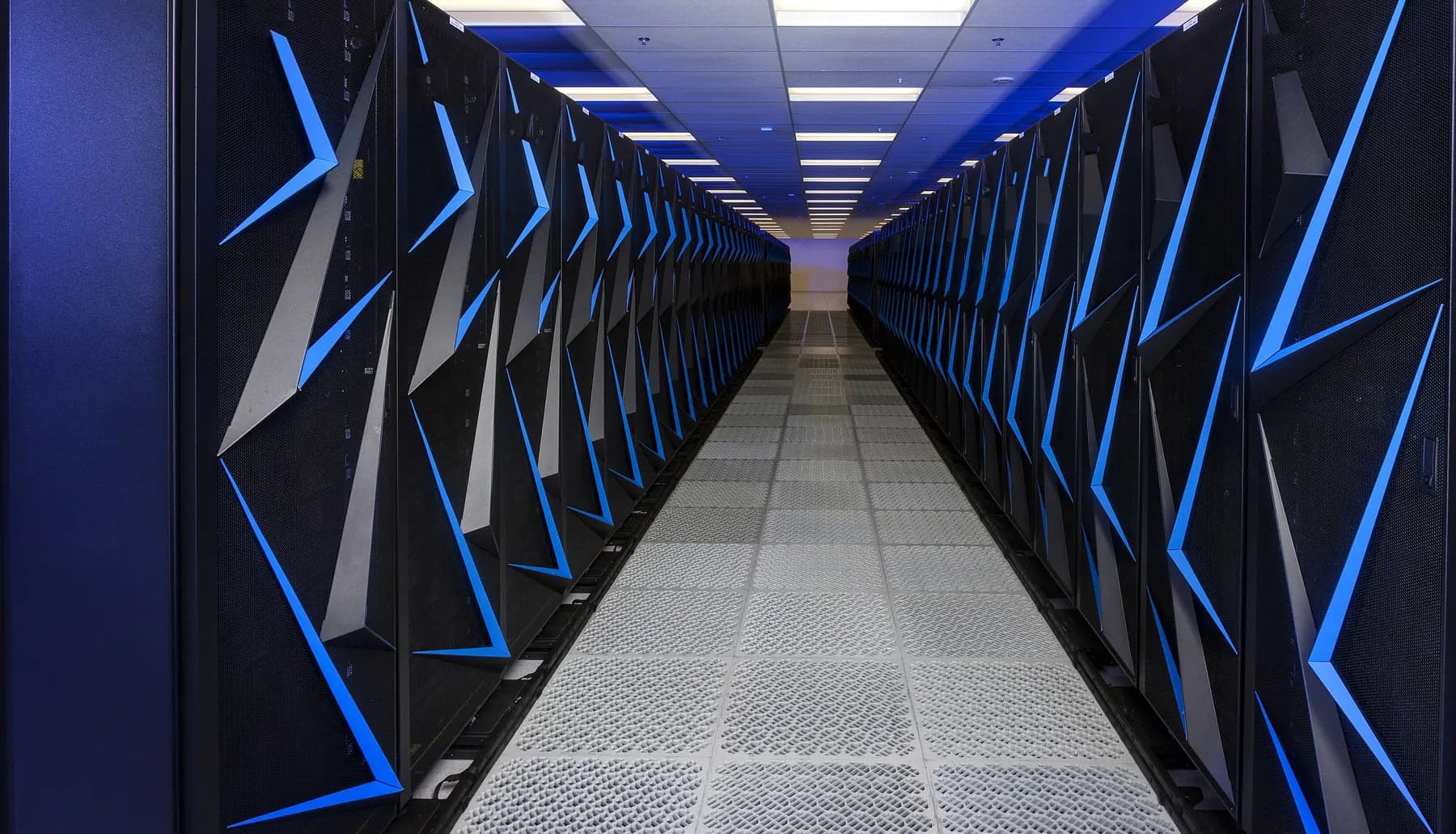
A long corridor between two rows of supercomputer cabinets, seen from the end of the aisle.

What changes for the centre

Your scheduler keeps the job. The record stays with the output.

It runs from the queue

The softqcos CLI is called from an ordinary SLURM, PBS Pro or LSF script. No daemon on the login node, no second queue.

Every run leaves a record

Five items per job, sealed under one SHA-256 Merkle root and written next to the job output, ready to archive with the rest of it.

The centre checks it

Each record stays in the job directory. QCOS Bench reports verify offline with an MIT-licensed tool, no account and no network connection.

Three bottlenecks

What stands between a cluster and a quantum job.

  1. 01

    The quantum job lives outside the scheduler

    A second portal means a second queue, a second accounting trail and users who leave the workflow they already know. QCOS is a command inside the batch script instead.

  2. 02

    A result arrives without its context

    A count histogram does not say which circuit, which backend, which seed or which window produced it. The record keeps those together with the measurement results.

  3. 03

    Some partitions cannot reach a hosted service

    Records stay on your filesystem, and an air-gapped deployment with QuantumLock licensing runs simulation inside the perimeter.

Scheduler integration

A quantum job is a batch job.

The scheduler allocates, the script submits the circuit, waits for the result and writes the evidence record next to the job output. Scheduler plug-ins are planned; today the integration is the script.

  • One CLI call per circuit from any batch script
  • Results and the evidence record land in the job working directory
  • API keys are read from the environment the scheduler provides
  • Python, TypeScript and Go clients for workflows outside the shell

CLI documentation

job.sbatch
#!/bin/bash
#SBATCH --job-name=ghz-check
#SBATCH --time=00:10:00

# The scheduler provides QCOS_API_KEY in the job environment.
softqcos jobs submit --circuit circuit.qasm --backend statevector_sim --shots 1000

softqcos jobs status <job-id>
softqcos jobs results <job-id>
softqcos jobs evidence <job-id> --output evidence.json
A dark machine-room aisle with blue and orange light on the perforated floor.

Evidence and verification

Every run leaves a record the centre can keep.

Five items per job, sealed under one SHA-256 Merkle root. The record is a file in the job directory, archived with the rest of the output. For QCOS Bench reports, softquantus-verify recomputes the hashes and reports one of four outcomes: valid, invalid, unsigned or error.

  • softquantus-verify is MIT-licensed and needs no account or network connection
  • A changed byte in a Bench report fails the check
  • Ed25519 signature checked when a public key is supplied
  • Air-gapped option with QuantumLock licensing

What we can show

The numbers, and what each one covers.

180,000
GPU-hours of EuroHPC AI Factory allocation on LUMI-G, used for SynapseX training; QCOS does not run there
24
qubits of CPU state-vector simulation through one API
17
qubits in the published surface-code demonstration
2,000
shots in the published GHZ demonstration
SLURM
plus PBS Pro and LSF, through batch scripts that call the softqcos CLI
SHA-256
Merkle root on every evidence record (RFC 9162 layout)

Digital-twin validation

Five steps from a classical twin to an auditable quantum result.

The classical pipeline stays where it is. QCOS adds the quantum step and the record, and the record stays with you once it exists.

  1. Step 1

    Classical simulation

    Run the digital twin on the cluster as today and keep its outputs.

  2. Step 2

    Quantum execution

    Submit the quantum part through QCOS. CPU state-vector simulation today; hardware through Softquantus Cloud when it is switched on.

  3. Step 3

    Evidence capture

    QCOS seals the five-item evidence record for the job automatically.

  4. Step 4

    Fidelity check

    Compare the quantum result against the classical reference with the seeds in the record.

  5. Step 5

    Audit trail

    Archive the record with the job output and keep it for as long as the centre keeps its results.

Deployment

Three ways to place QCOS next to the cluster.

Hosted gateway

Jobs leave the centre for the hosted QCOS API in Azure West Europe. Fastest to start; the evidence record comes back with the result.
Yellow fibre patch cords running into a row of network modules.

Hybrid

The client on the centre side, execution through the hosted API, and the record kept with the job output.
Compute cabinets with green status lights in a machine room.

Air-gapped

Fully offline deployment with QuantumLock licensing. Simulation inside the perimeter; no outbound connection.

A dark machine-room aisle with blue and orange light on the perforated floor.

Before a pilot

What a centre asks first.

What runs today?
CPU state-vector simulation up to 24 qubits. Hardware is reached through Softquantus Cloud when it is switched on, and the batch script stays the same.
What do we install on our nodes?
A command-line client, and the offline verifier if you want it. No service stays running on the login node, and the scheduler keeps allocation and accounting.
Whose credentials are on the cluster?
A QCOS API key, read from the environment the scheduler provides. Credentials for hardware and cloud providers stay inside Softquantus Cloud and never reach your system.
What do we keep if we stop using it?
Every record you already have. It is a file in your own job directory, not an entry in our database.

The record

What the file holds.

  • Circuit hash (SHA-256)
  • Backend identity
  • Execution timestamp and window
  • Parameters and seeds
  • Measurement results
  • Merkle root over the five items

QCOS Bench

Figures that carry their own method.

  • Gate fidelities with confidence intervals
  • T1 and T2 coherence times per backend
  • Compilation overhead per circuit depth
  • Queue latency per backend
  • Methodology, seed and shot count, each hashed into the report

Start with one batch script

Submit a circuit from the queue. Keep the record.

  • A validation call to map the workflow onto your scheduler
  • Public records to inspect before any job of yours runs
  • Simulation today; hardware through Softquantus Cloud when it is switched on

The film is an original render. Photographs, cropped and recompressed, public domain via Wikimedia Commons: Sierra, U.S. Department of Energy / LLNL (vendor badges retouched); Discover, NASA Goddard and NASA / Pat Izzo; fibre patching, USDA. These facilities are not SoftQuantus sites or customers, and no partnership or endorsement is implied.